Charts & Zodiac
- Natal 360° dial
- Layered planet cards
- Day Energy
Go beyond a single chart. Explore timing, cycles and connections together in the Hermes astrology workspace.
HERMES / FEATURES
Natal charts, Calendar, Day Energy, Timeline, Horary, Astrocartography and Uranian tools. Explore the Hermes workspaces and examples from each area.
From the 360° dial to Uranian tools, Astrocartography and Details. Choose a tool, then enlarge its screen to explore.
Select a planet to examine its position, house, dignity and aspect connections. The natal dial stays on the right and the selected planet’s information layers on the left.
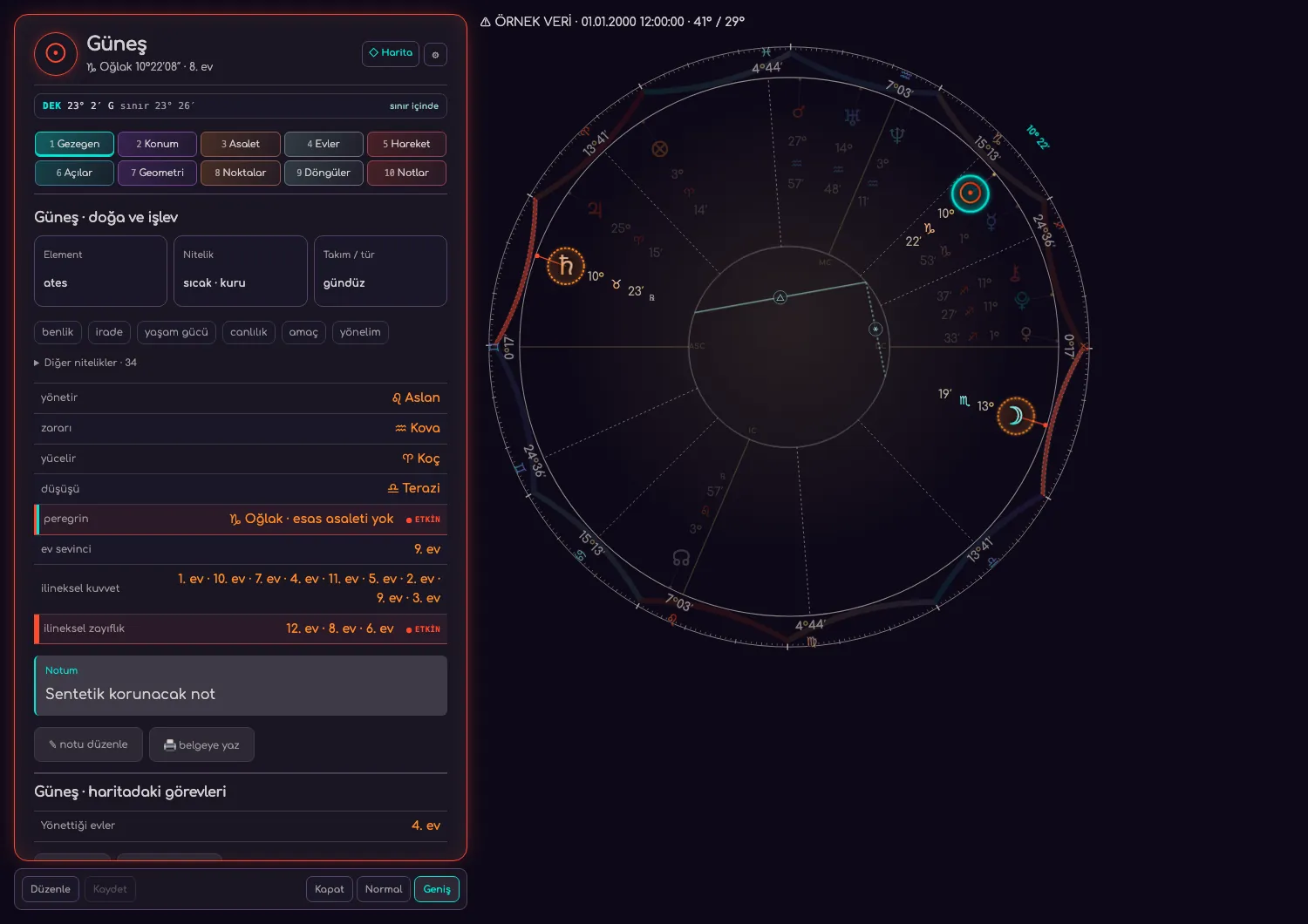
Drag to explore · Only screenshot background colours are adapted for presentation.
12 October 2026 · macOS · sample data
The application version for this image was not recorded.
This image is for product presentation. Check the Downloads page for current installer availability. View installer availability ↗
Classic and New Generation 90° dials, midpoints and measuring arms. Increase the glyph scale to examine dense placements more comfortably.
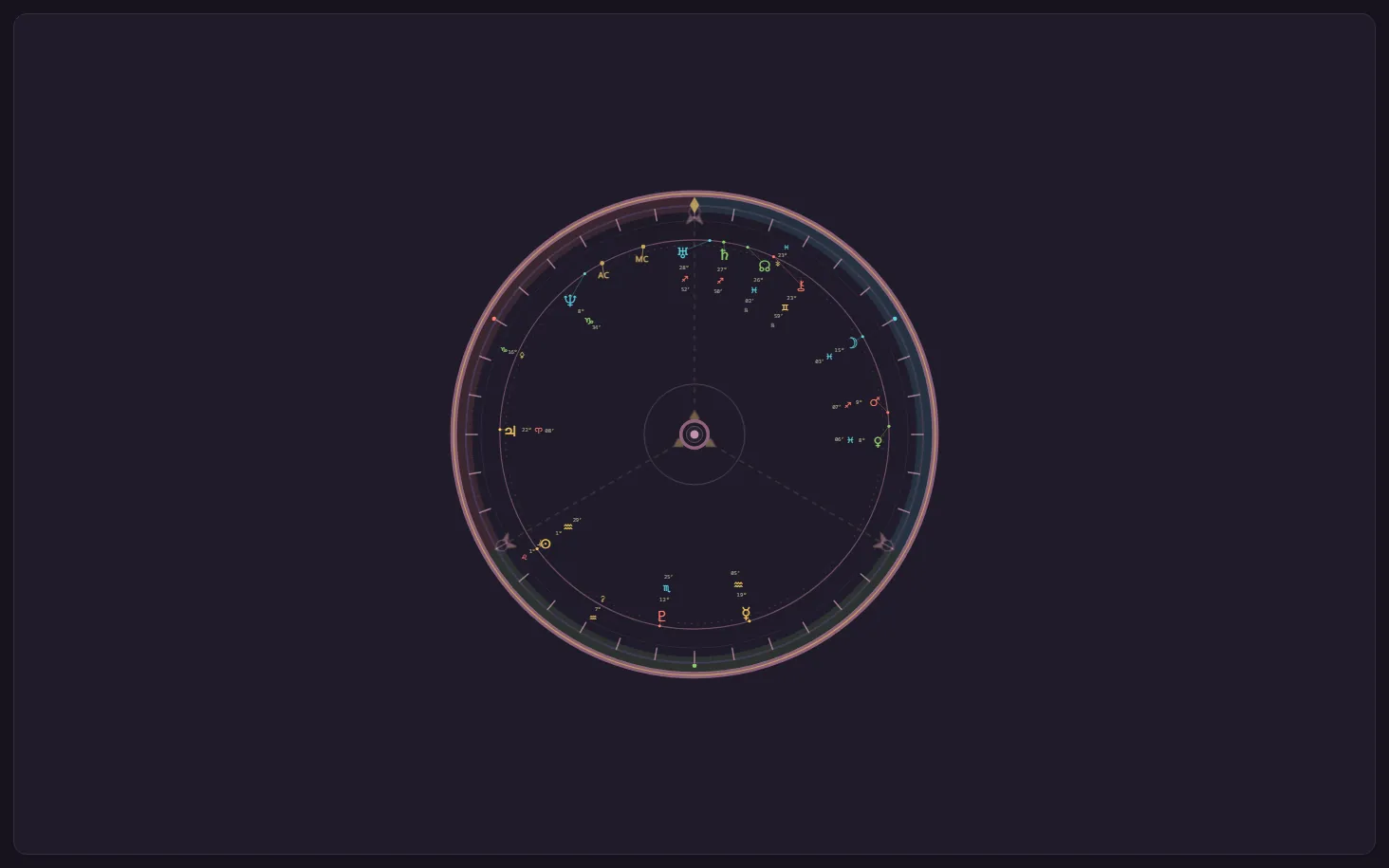
Drag to explore · Only screenshot background colours are adapted for presentation.
Earlier Hermes screen · capture date not recorded
The application version for this image was not recorded.
This image is for product presentation. Check the Downloads page for current installer availability. View installer availability ↗
Move from the Türkiye view to planet lines, orbs, crossings and Treasures. Location inspection and relocation belong to the same atlas.
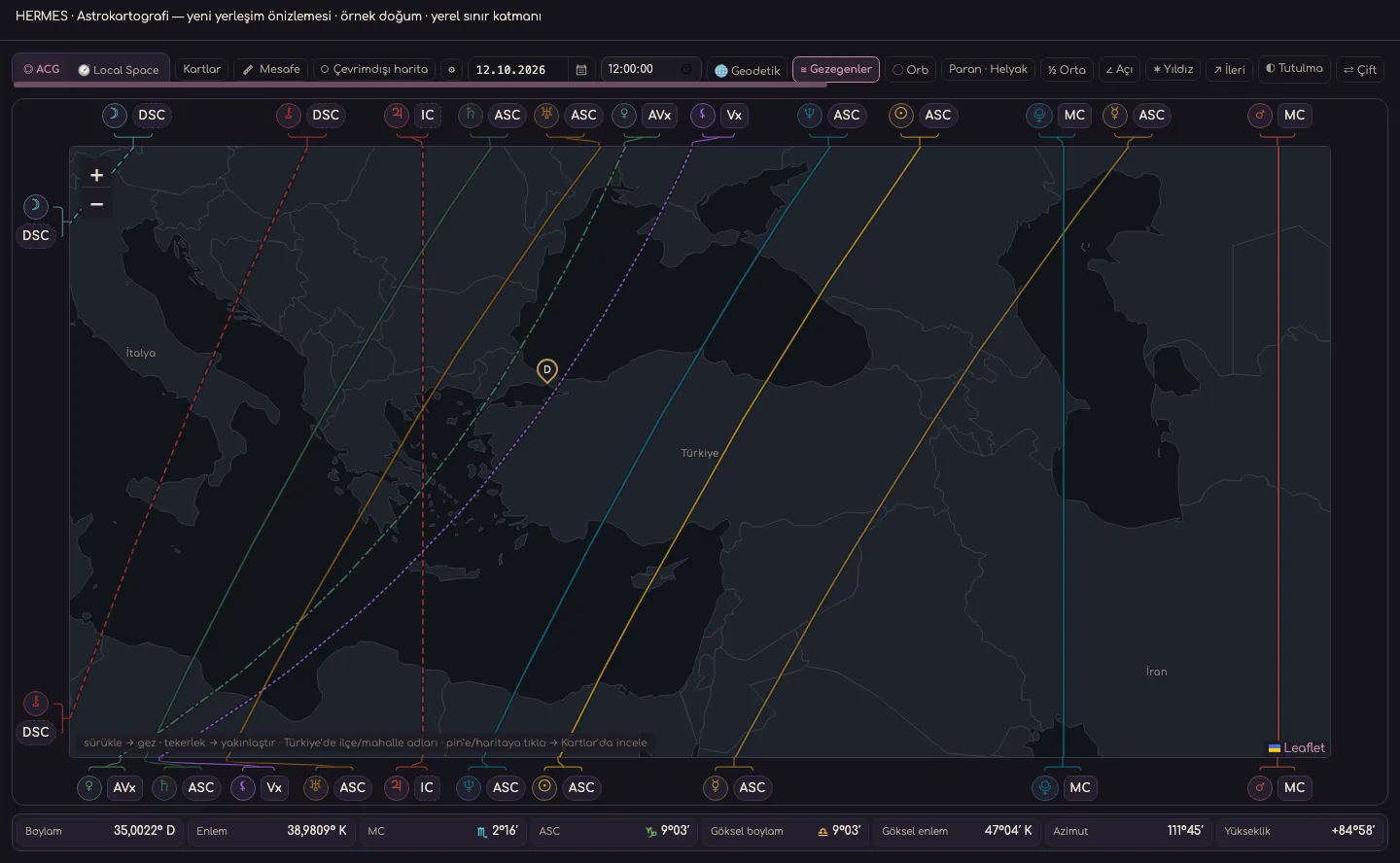
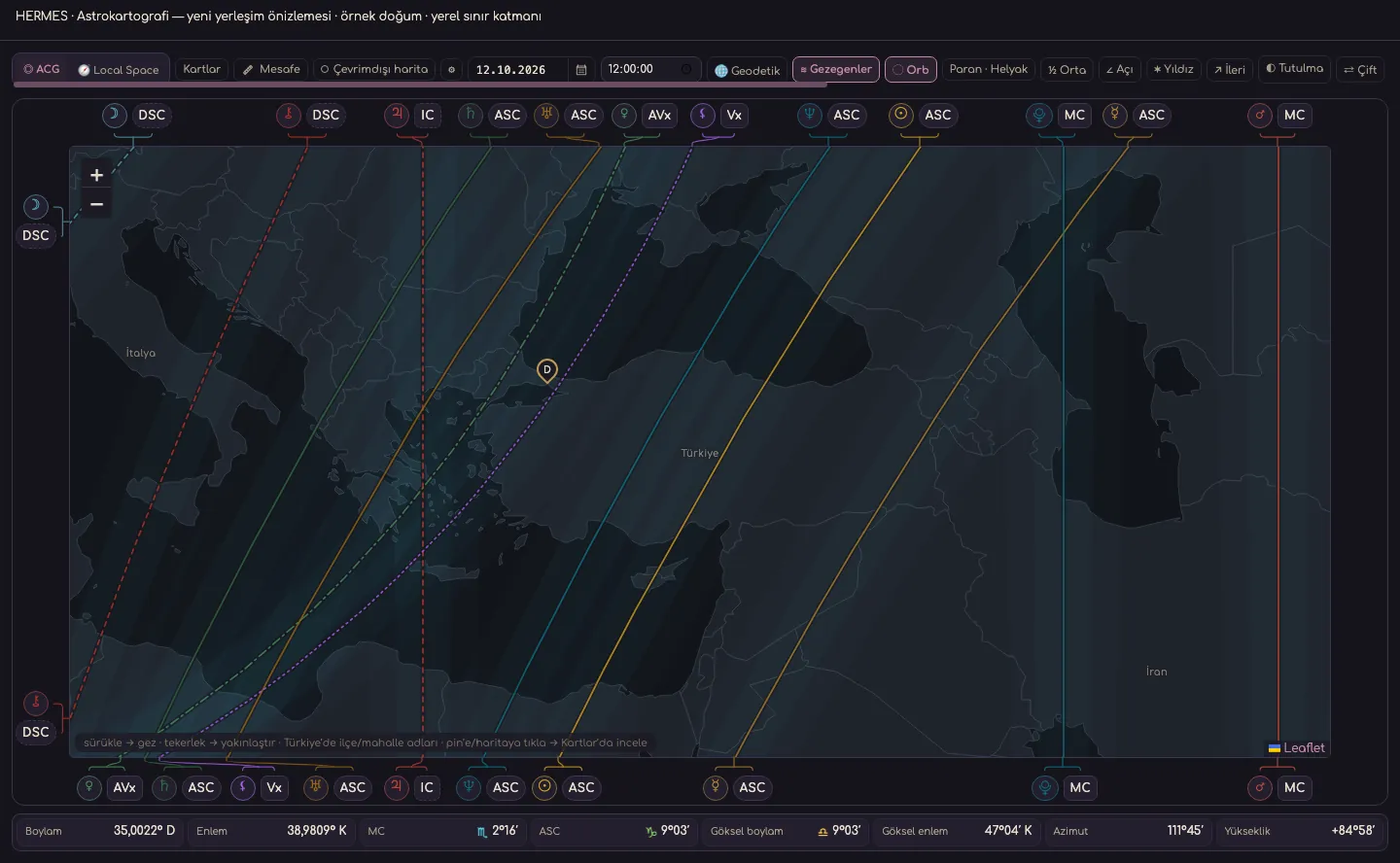
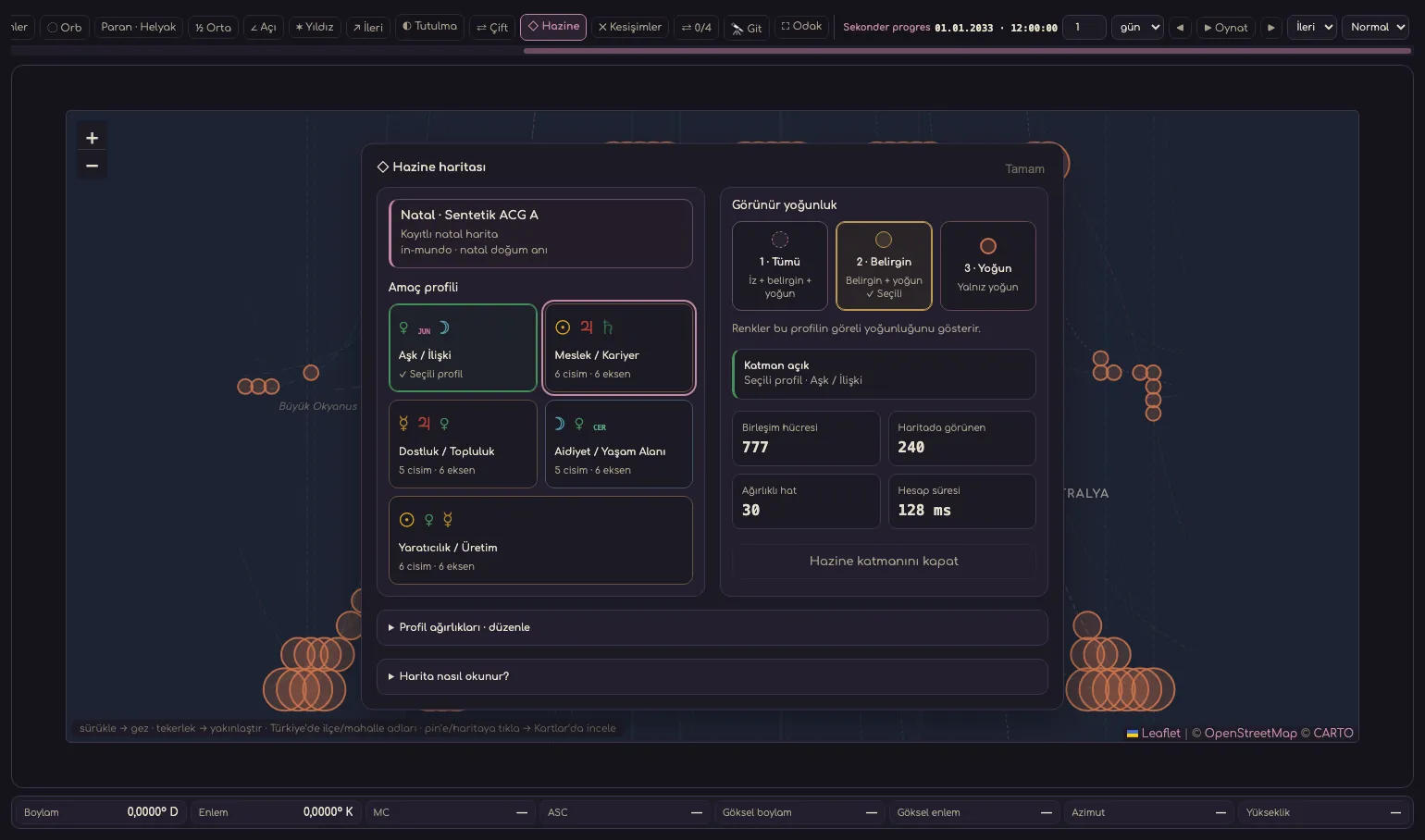
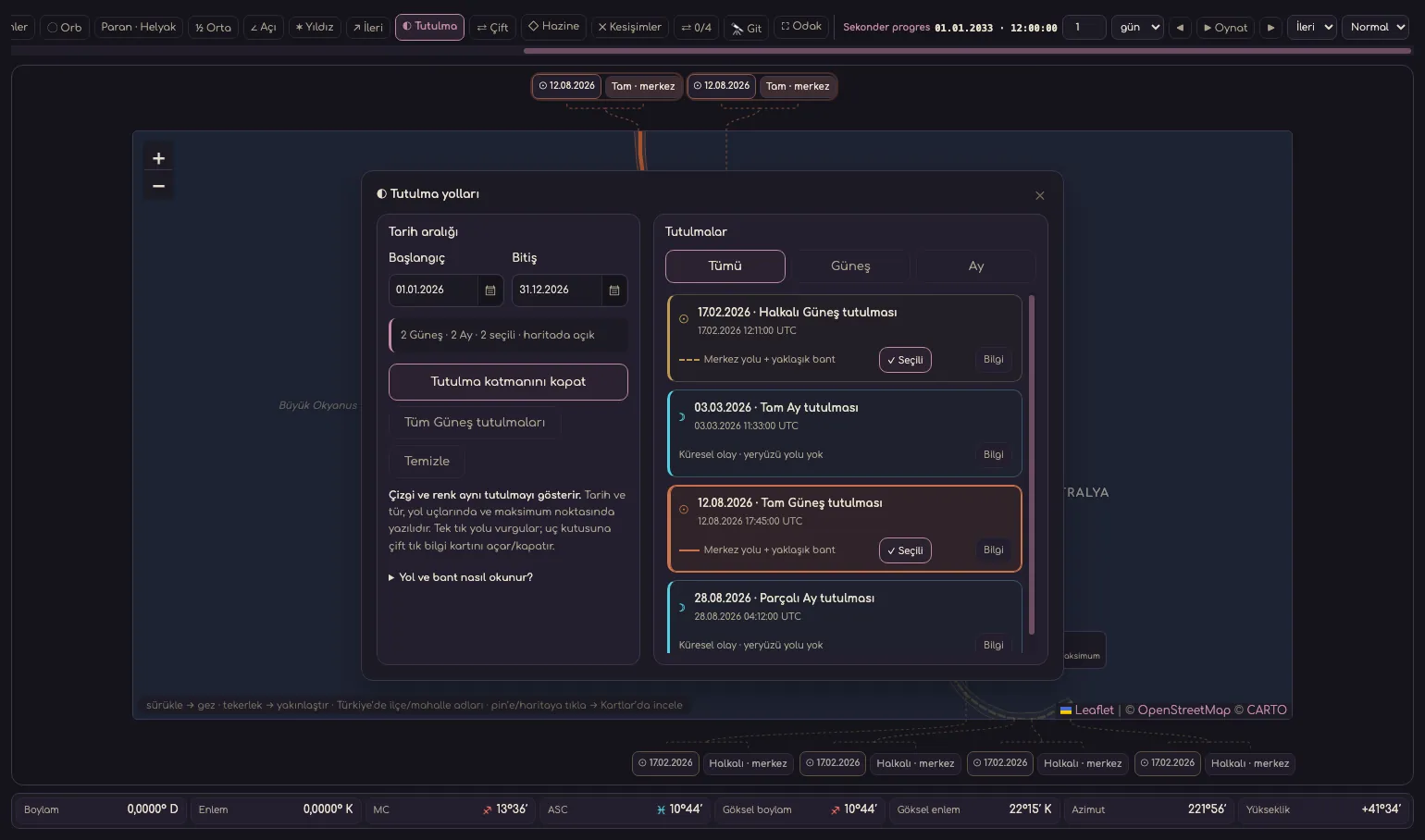
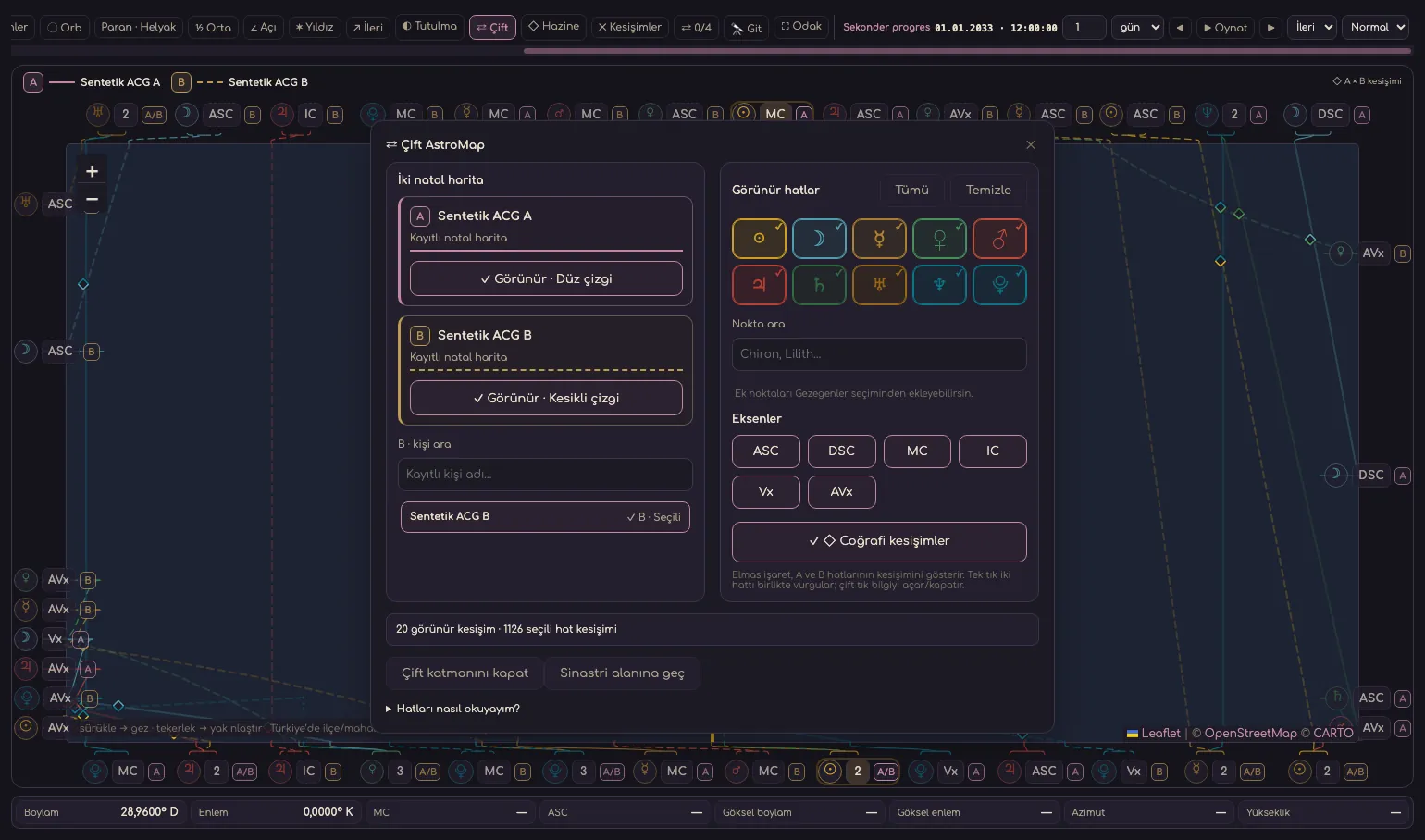
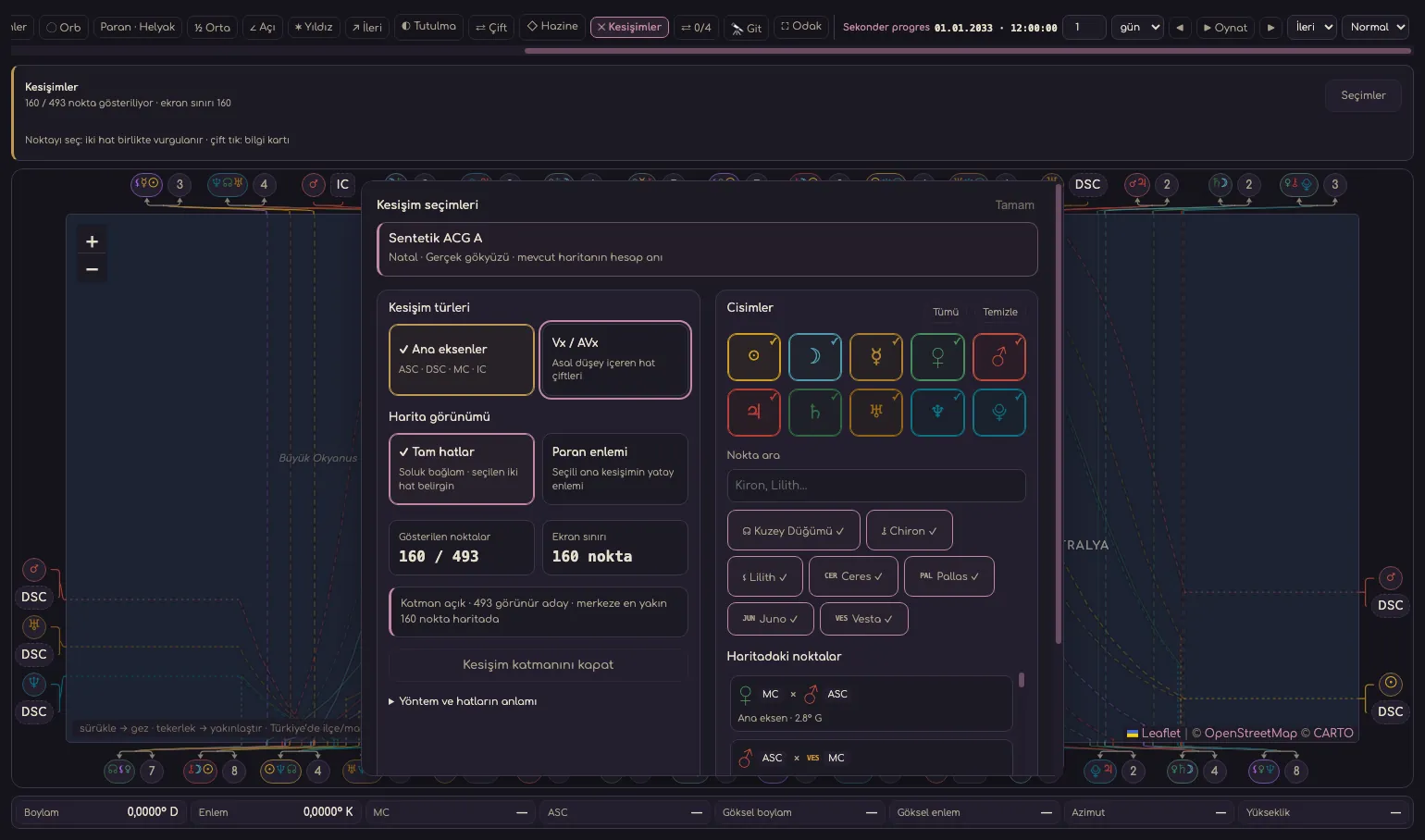
Drag to explore · Only screenshot background colours are adapted for presentation.
12 October 2026 · macOS · sample data
The application version for this image was not recorded.
This image is for product presentation. Check the Downloads page for current installer availability. View installer availability ↗
Open the chart’s technical summary through element, modality, house and aspect distributions. Continue with client notes and reporting tools.
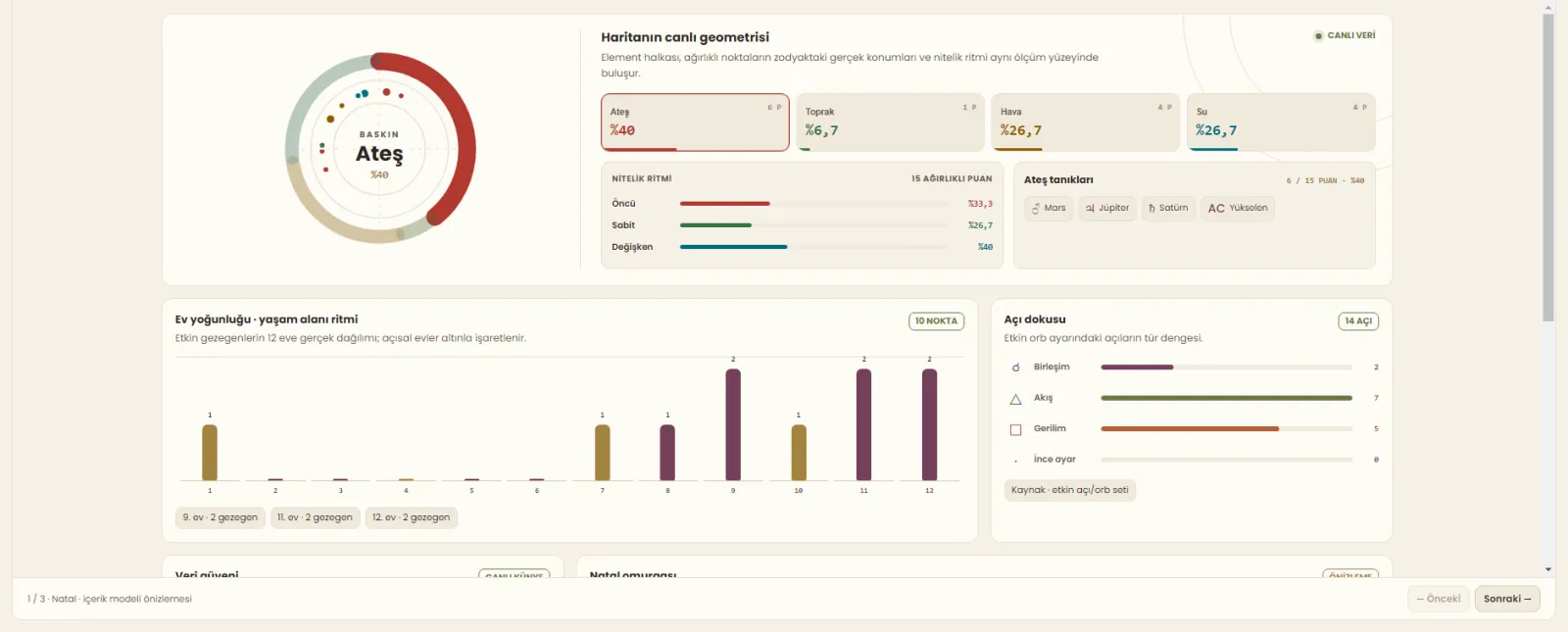
Drag to explore · Only screenshot background colours are adapted for presentation.
Earlier Hermes screen · capture date not recorded
The application version for this image was not recorded.
This image is for product presentation. Check the Downloads page for current installer availability. View installer availability ↗
Move from the natal dial and planet cards to Calendar, forecasting techniques and Astrocartography. Keep notes, events and reports with the same client.
From question, date, time and location to chart, significators, notes and the question archive.
Explore this tool ↗Compare charts and aspect connections using two or three concentric wheels.
Explore this tool ↗Save chart profiles, life events and notes; export PNG, SVG or PDF files.
Explore this tool ↗Examine the current sky in Calendar and Day Energy. Follow sky events in the Sky Timeline and exact contacts to a natal chart in the Transit–Natal timeline.
Open the Transit–Natal preview ↗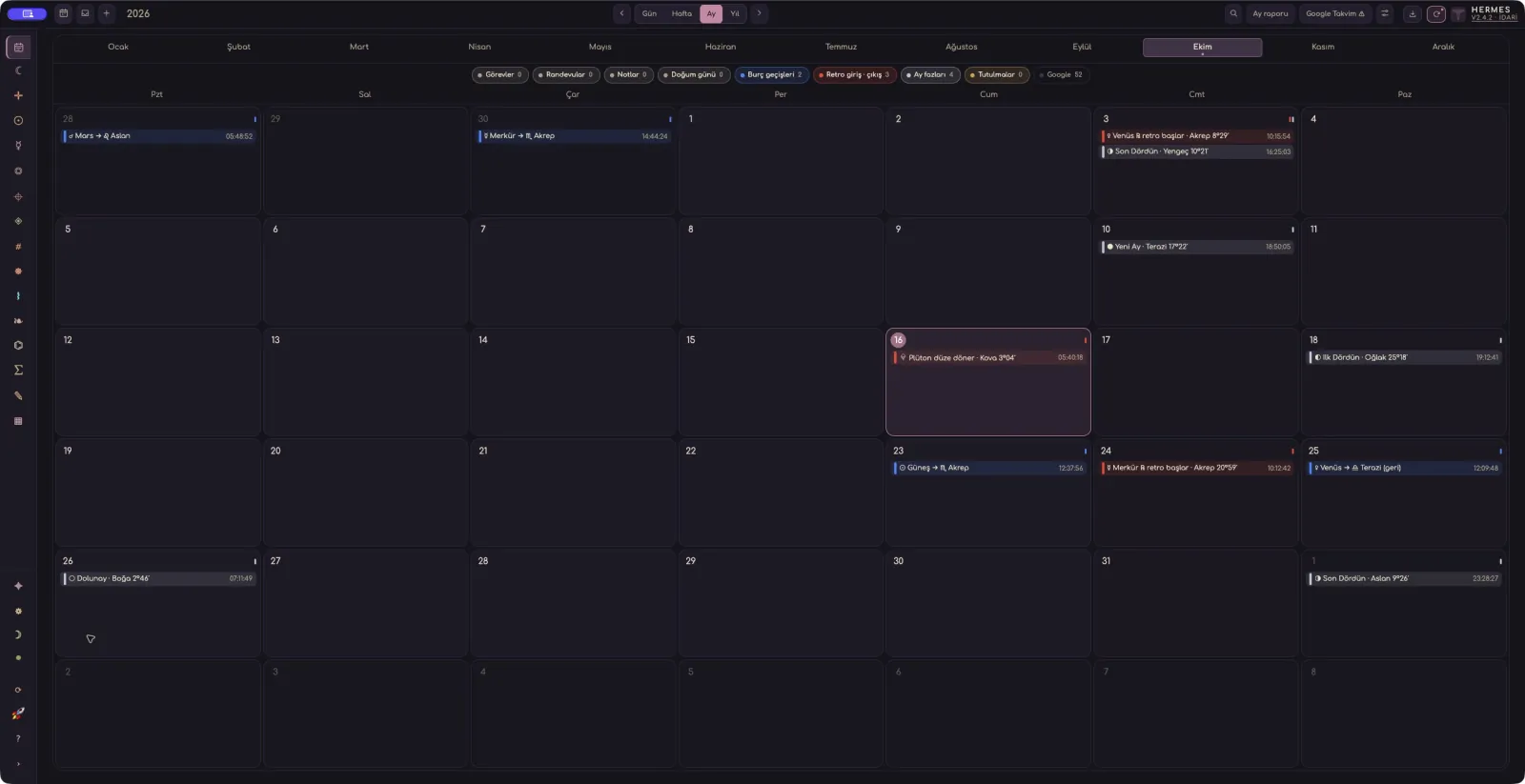
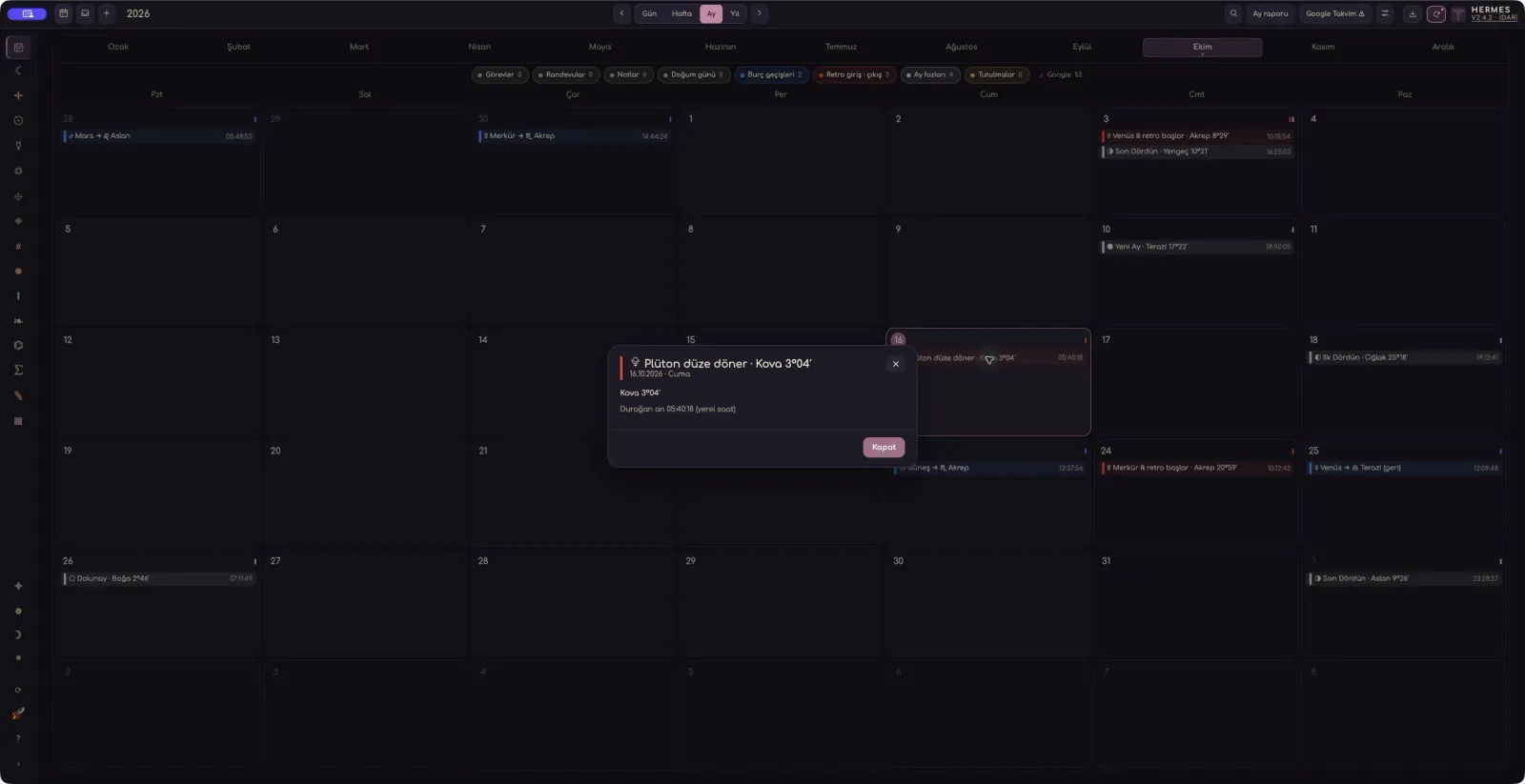
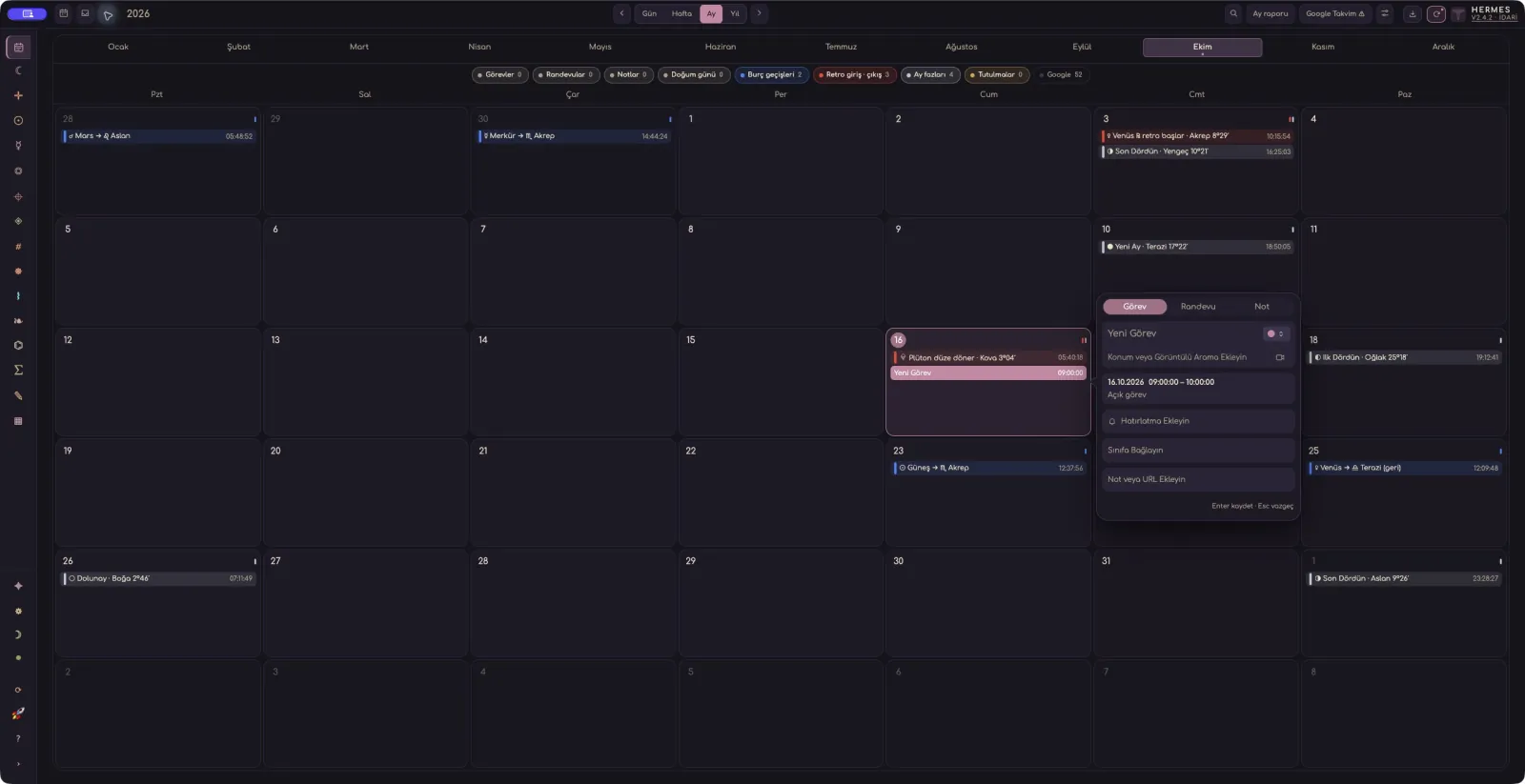
Drag to explore · Only screenshot background colours are adapted for presentation.
Follow the Hermes curriculum step by step, from fundamentals to advanced techniques.
About Hermes, companion programs and the web preview.
Yes. Hermes is the paid main program that brings together astrological chart, time, location and client work.
AstroPen Windows 1.0.15 is free. Use the AstroPen button in the download area; Hermes purchase access is not required.
Asteroid Helper is a separate program. Its download area is ready; the installer will be added in the next upload phase.
The preview lets you try the 360° dial, planet cards and Transit–Natal timeline with example data. The other Hermes workspaces are in the desktop program.